



Quick Answer
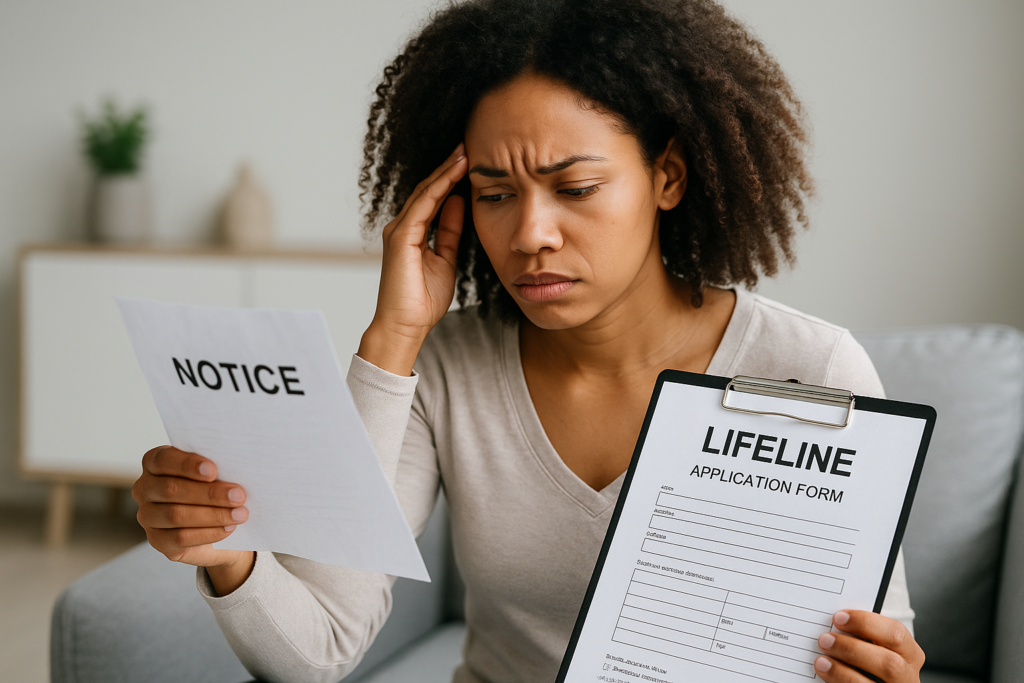
If you don’t have proof of income, an income-based Lifeline application won’t be approved by the National Verifier. You’ll be asked to upload acceptable documentation within a set deadline (typically 45 days). You can still qualify without income documents if you’re enrolled in an eligible assistance program (like Medicaid or SNAP) and can verify that instead. If you fail to provide documentation during annual recertification, your Lifeline discount will be removed and you’ll be de-enrolled. The fastest fix is to apply using program participation or to gather alternative income documents the National Verifier accepts.
How Lifeline Verifies Eligibility
Lifeline provides a monthly discount on phone or internet service for eligible low-income households. You can qualify in two ways: by income (household income at or below 135% of the Federal Poverty Guidelines) or by participation in certain government assistance programs. The National Verifier, administered by USAC for the FCC, checks your eligibility by matching your information against federal and state databases. If your eligibility is auto-verified, you may not need to upload any documents.
When the system can’t confirm your income or program participation, you’ll be prompted to upload documents that prove eligibility. Your provider cannot apply the Lifeline discount until you are approved in the National Verifier and your enrollment is completed in the National Lifeline Accountability Database (NLAD).
What Happens If You Apply Without Proof of Income
If you submit an income-based Lifeline application without proof, the National Verifier will flag your file and issue a “Required Documentation” request. Here’s what to expect:
- You’ll typically have 45 days to upload acceptable documents. During this time, no Lifeline discount is applied.
- If you don’t upload documents by the deadline, your application is denied, and you’ll need to start a new application when you’re ready.
- If you upload documents that are incomplete, illegible, or not on the approved list, you’ll be asked to resubmit within the original window.
If you’re already enrolled in Lifeline and can’t provide documents during annual recertification (or during a reverification check), you’ll receive notices describing what’s missing and the deadline to respond. Failure to respond results in de-enrollment, and your provider will remove the monthly discount. Your service may continue at the full, undiscounted price or be disconnected, depending on the company’s policy and your account status.
Qualifying Without Traditional Pay Stubs or a Tax Return
Use Program-Based Eligibility Instead of Income
You don’t need proof of income if you qualify through one of the approved programs and the National Verifier can confirm your participation. Common qualifying programs include:
- Medicaid
- Supplemental Nutrition Assistance Program (SNAP)
- Supplemental Security Income (SSI)
- Federal Public Housing Assistance (FPHA/Section 8)
- Veterans Pension and Survivors Benefits
- On Tribal lands: Bureau of Indian Affairs General Assistance, Tribal TANF, Food Distribution Program on Indian Reservations (FDPIR), and income-based Tribal Head Start
If database matching doesn’t verify your program participation, upload an official benefit letter. The letter must show your name (or your dependent’s name if applying for the household), the program name, the issuing agency, and a current date or coverage period.
Alternative Proof of Income the National Verifier Accepts
If you can’t produce a recent tax return or the usual pay stubs, you may still qualify by submitting other approved income documents. The document must clearly show your name and income and be recent enough to reflect your current situation. Acceptable options include:
- Prior-year federal, state, or Tribal tax return
- Paycheck stubs for three consecutive months within the past 12 months
- Current income statement from an employer
- Social Security Statement of Benefits
- Veterans Administration statement of benefits
- Retirement or pension statement of benefits
- Unemployment or Workers’ Compensation statement of benefits
- Divorce decree or child support award that lists current income
Bank statements are not accepted as proof of income. Scans or photos must be full-page, readable, and unaltered.
Where to Get Documents Quickly
If you don’t have paper copies, many agencies let you download official letters or request a mailed copy. The table below lists common documents and where to obtain them fast.
| Document | Must Show | How to Get It Fast |
|---|---|---|
| Benefit verification (Medicaid, SNAP, SSI, FPHA) | Your name, program name, issuing agency, active date/coverage period | Download from your state benefits portal or request a letter from your local agency office |
| Social Security Statement of Benefits | Your name and monthly/annual benefit amount | Log into your my Social Security account at ssa.gov to print/download |
| VA Statement of Benefits | Your name and benefit type/amount | Access your VA.gov account or call the VA to request a benefits letter |
| Unemployment/Workers’ Comp letter | Your name and payment amount | Use your state unemployment portal or contact the state agency for an official statement |
| Employer income statement or pay stubs | Your name and gross income; three consecutive months if using stubs | Ask HR/payroll for a current earnings statement or reprints of recent pay stubs |
| Tax return (federal, state, or Tribal) | Your name and AGI for prior year | Use IRS Get Transcript online, your state tax portal, or your tax preparer |
| Divorce decree/child support order | Income amounts you pay/receive | Request certified copies from your county clerk or court records system |
If You Truly Have No Income
If your household currently has no income and you’re not enrolled in a qualifying program, the National Verifier may still require official documentation; self-written letters or personal statements generally aren’t accepted. Realistically, the fastest path is to qualify through an assistance program with quick enrollment and an official eligibility letter, such as SNAP or Medicaid, then use that program proof for Lifeline.
If you believe you have a unique situation (for example, recent job loss with no benefits yet), contact the Lifeline Support Center at (800) 234-9473. They can confirm what documentation will work in your case and how to submit it. Some states or providers may accept specific agency-issued letters, but verify acceptance before relying on them.
Avoiding Common Documentation Pitfalls
Name or Address Mismatches
If your documents use a nickname, maiden name, or a different spelling than your ID or application, your upload may be rejected. Use documents that match your legal name or include a second document that links the names (for example, a marriage certificate or court order). For addresses, Lifeline requires a physical service address. If you don’t have one, you can use a descriptive address or a letter from a shelter; your provider or the National Verifier will guide you through the address validation step.
Illegible or Cropped Images
Ensure scans or photos show the full page, including your name and dates. Avoid glare, dark screenshots, and partial captures that cut off headings, seals, or page corners. PDF or clear JPG files work best. Do not edit or obscure information (other than safely masking irrelevant account numbers).
Outdated Documents
Program letters should be current for the benefit period. Pay stubs must cover three consecutive months within the last year. If your income changed recently, provide the most recent materials that reflect your current situation.
Household Confusion
Lifeline is limited to one discount per household. If multiple people at the same address apply, you may be asked to complete a Household Worksheet to confirm you are separate economic households (for example, unrelated roommates who share a building or residents of multi-unit housing). Upload the completed worksheet if requested to avoid denial.
Timelines and What to Expect
| Stage | What Happens | Your Deadline |
|---|---|---|
| Initial application (income-based) | If not auto-verified, you’ll be asked to upload proof of income | 45 days to submit documents |
| Initial application (program-based) | Auto-verify through databases or upload your benefit letter | 45 days if documents are requested |
| Reverification (document check after enrollment) | USAC may ask for documents to confirm ongoing eligibility | Typically 45 days to respond |
| Annual recertification | You confirm you still qualify; may need documents if not auto-verified | 60 days to complete or you’ll be de-enrolled |
| De-enrollment for non-response | Your Lifeline discount stops; service may continue at full price | Can reapply when you have acceptable proof |
If You’re Denied, How to Get Back on Track
Denial notices usually state the specific reason. Use that as your checklist:
- Wrong document type: Replace it with an item from the accepted list above.
- Illegible upload: Re-scan in better lighting or use a flat surface and higher resolution.
- Name/address mismatch: Update your application details to match your documents or add a linking document.
- Program not recognized: Upload a page that shows the program name, your name, coverage date, and issuing agency.
Then either reapply through the National Verifier or have your service provider submit the enrollment again after your approval updates. If you’re stuck, contact the Lifeline Support Center at (800) 234-9473, your state public utility commission, or your Tribal government’s Lifeline liaison for help.
Special Notes for Tribal Lands Residents
Households on federally recognized Tribal lands may receive a higher monthly Lifeline discount and qualify through additional Tribal programs such as BIA General Assistance, Tribal TANF, FDPIR, or income-based Tribal Head Start. If your area lacks standard addressing, the National Verifier can accept a descriptive address or a map/letter that reasonably identifies your residence. When submitting Tribal program documents, ensure the letter clearly shows the program name, your name, the Tribal authority or agency, and current dates.
Privacy and Security When Submitting Documents
Use only the official National Verifier portal or your provider’s secure portal to upload documents. Do not email documents unless instructed through a secure channel by the program administrator. You may redact sensitive numbers that are irrelevant to eligibility (for example, full bank account numbers on a multipurpose letter), but do not obscure your name, the document date, your income amount, or the program name. Keep copies of everything you submit.
Key Takeaways
If you don’t have proof of income, your income-based Lifeline application won’t move forward until you submit acceptable documents. Many applicants can avoid income documentation entirely by verifying enrollment in a qualifying program like Medicaid or SNAP. If you miss documentation deadlines or can’t recertify, you’ll be de-enrolled and lose the discount, but you can reapply once you have the right paperwork. Focus on obtaining an official, current document that clearly shows your name and either your income or your participation in an eligible program.
Frequently Asked Questions
Can I get Lifeline without any documents at all?
Only if the National Verifier confirms your eligibility through automated database checks (for example, if it finds your Medicaid or SNAP participation). If it can’t, you’ll need to upload acceptable documents. Providers cannot apply a Lifeline discount without an approved eligibility decision.
Is a screenshot from a benefits portal acceptable?
Yes, if it clearly shows your name, the program name, the issuing agency, and an active date or coverage period. Make sure the screenshot is legible, shows the full page or key sections, and includes any reference or case numbers that appear on the official page.
Do bank statements count as proof of income?
No. Bank statements are not accepted for Lifeline income verification. Use tax returns, pay stubs (three consecutive months), employer income statements, or official benefit statements instead.
How do I prove income if I’m self-employed or work gig jobs?
Your prior-year tax return showing adjusted gross income is the simplest option. If your income has changed significantly since last year, provide three consecutive months of recent earnings documentation, such as invoices with matching payment records summarized by your bookkeeping app, 1099 pay statements, or an employer income statement if applicable. Ensure your name and gross income are clearly visible.
What happens to my service if I’m de-enrolled for not providing documents?
Your Lifeline discount is removed. Your phone or internet service may continue at the full, undiscounted rate, or your provider may suspend or disconnect service, depending on your plan and payment status. You can reapply for Lifeline once you have acceptable proof and are found eligible again.
Does the end of the Affordable Connectivity Program change Lifeline rules?
No. Lifeline is a separate, ongoing FCC program. While ACP funding has ended, Lifeline remains available with its own eligibility rules and documentation requirements.
Can I use a shelter or PO Box as my address?
Lifeline requires a physical service address, but if you don’t have one, you can provide a descriptive address (for example, cross streets or a shelter location) and may be asked for a letter confirming residence. A PO Box alone isn’t sufficient for the service address, but you can list it as a mailing address in addition to describing where you live.

